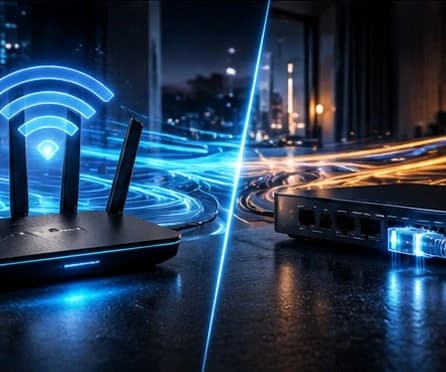
The connection with the highest headline speed is not always the most stable where you watch television. For IPTV, consistency, distance and interference matter as much as the advertised speed.
Consistency before maximum speed
Continuous playback benefits from a predictable connection. Ethernet provides a direct path between router and device, while Wi-Fi shares the air with other equipment and may vary during the day.
That does not make Wi-Fi a poor choice. With a strong signal and sensible coverage, it avoids extra cables and can remain consistent. What matters is testing the connection in the actual room and at the times you normally watch.
How to choose without overcomplicating it
If the device is close to the router and has a network port, testing Ethernet is a simple way to remove wireless interference from the equation. If you rely on Wi-Fi, first improve position and reduce obstacles before changing advanced settings.
- Compare the same stream over Wi-Fi and Ethernet where possible.
- Notice whether interruptions occur only at particular times or in one room.
- Check whether other devices are using the connection heavily.
- Avoid resets and new hardware before isolating the cause.
When a cable does not solve everything
A stable Ethernet link cannot automatically fix limitations in the app, device or access itself. If the behaviour is identical on both networks, note the device, app and time of the issue before asking for help.