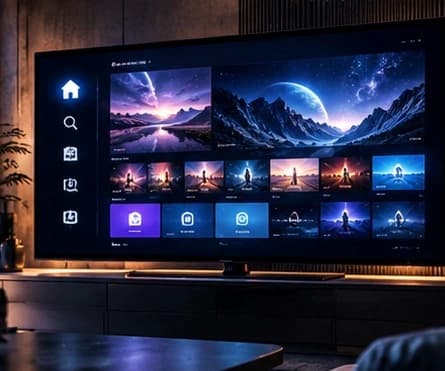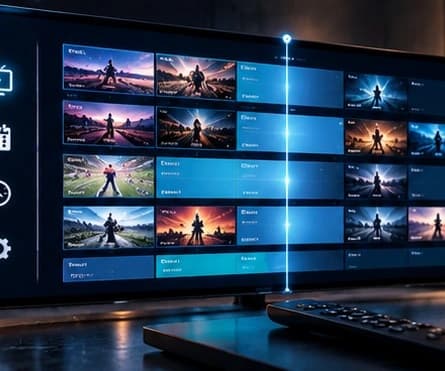
EPG means electronic programme guide. It shows what is on now and what comes next, but the result depends on programme data, channel matching and the player.
What an EPG does
An EPG connects schedules and programme names to the channels shown in the player. Depending on the app, it may appear as a grid, a list or information beside each channel. The player must receive the data and match it correctly.
Why information can be missing
The update may still be running, the device time may be wrong or some channels may not have a match. If only part of the guide is empty, reinstalling the whole app should rarely be the first step.
- Check the device date, time and time zone.
- Use the app option to refresh content or EPG data.
- Compare several channels to see whether the issue is total or partial.
- Close and reopen the app after refreshing.
When to ask for help
If the guide remains empty, tell ASTERON which device and app you use, and whether every channel or only some are affected. That context helps separate a setup issue from a limitation in the available guide data.